WooCommerce vs Shopify: Which Should You Choose in 2026?
A decision framework for WooCommerce vs Shopify from someone who's built stores on both, real cost, maintenance burden, and when each one actually wins.
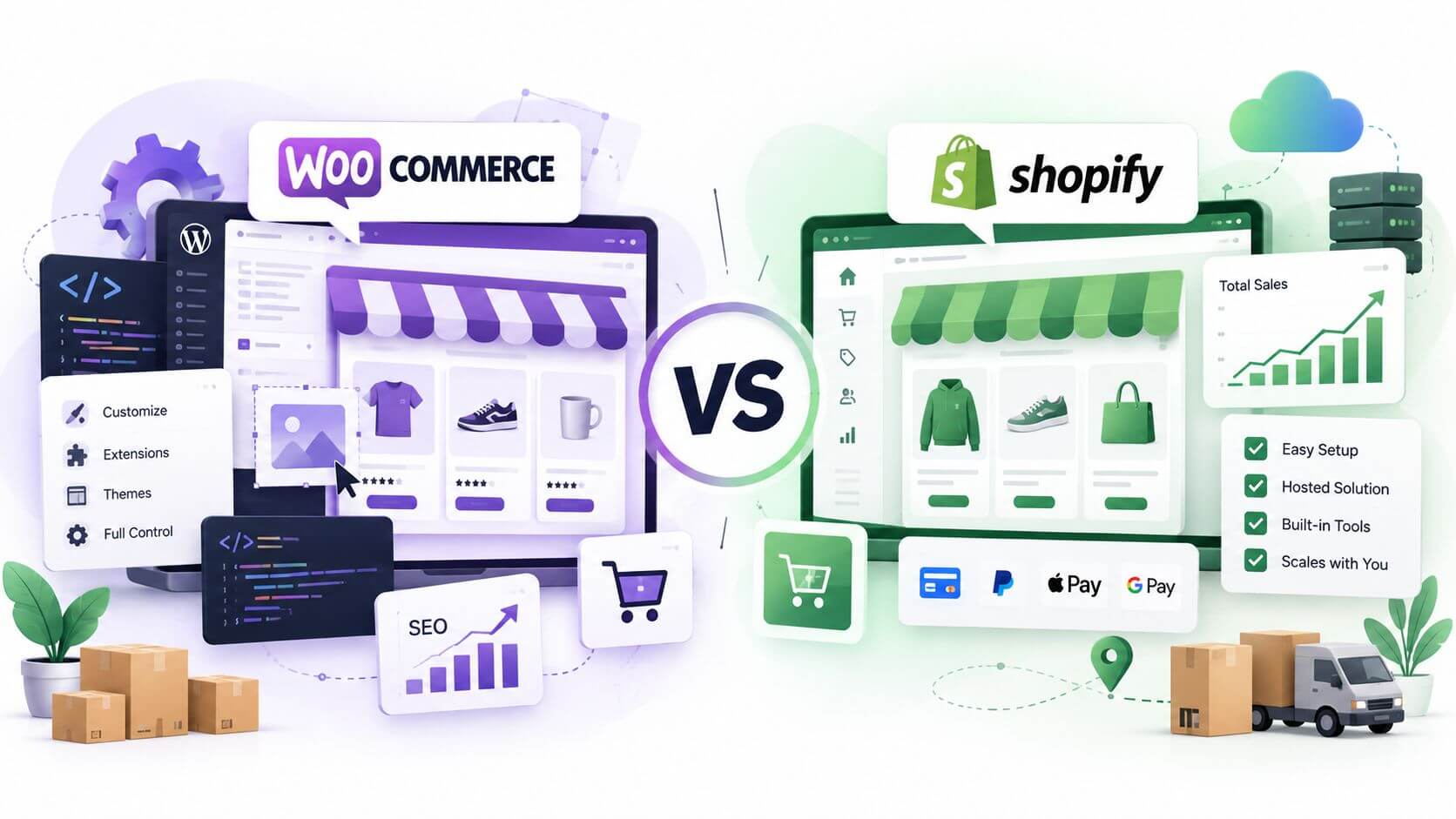
If you want ownership and don’t mind some ongoing maintenance, pick WooCommerce. If you want to sell and never think about servers, plugins, or security patches, pick Shopify. That’s the short answer. Almost every comparison you’ll read stops there and calls it a day, but the short answer doesn’t tell you which one is right for your store, so here’s the longer one.
What WooCommerce actually is
WooCommerce isn’t a platform. It’s a free plugin that turns a WordPress site into a store. That distinction matters more than most comparisons let on, because it means everything you already know (or don’t know) about running WordPress applies here too. You still need hosting. You’re still responsible for updates, backups, and security. WooCommerce itself costs nothing to install, but the store you build on top of it rarely stays free: themes, payment processing, shipping plugins, and hosting all add up.
The upside is real, though: full control. You own your data, your code, and your hosting. Nobody can suspend your account, force a redesign on you, or change pricing on a plan you depend on.
What Shopify actually is
Shopify is the opposite bet. It’s a fully hosted, managed platform: you’re renting a store, not building one from parts. Hosting, security, uptime, and PCI compliance are Shopify’s problem, not yours. In exchange, you give up some flexibility: you’re building inside Shopify’s app ecosystem and theme system, and switching later means a real migration, not a config change.
For a lot of small businesses, that trade is worth it. Shopify Payments handles transactions without a separate processor, and a wide ecosystem of third-party apps covers most of what a growing store needs without custom development. Add up app fees across a handful of them and the “cheap hosted solution” starts to look less cheap, though it’s still usually simpler than the WooCommerce alternative, just not free.
The trade-offs that actually decide it
Most comparisons drown you in a 40-row feature table. Here’s the short version, then the handful of trade-offs that actually determine the right call.
| WooCommerce | Shopify | |
|---|---|---|
| Base cost | Free plugin, but hosting + theme + plugins add up | Monthly platform fee |
| Hosting | You choose and manage it yourself | Included, fully managed by Shopify |
| Who owns maintenance | You (or whoever you hire) | Shopify |
| Customization ceiling | Very high, open-source WordPress core | High, but bounded by Shopify’s theme/app architecture |
| Setup speed | Slower, more moving parts to configure | Faster, guided setup |
| Built-in payments | Requires a separate payment gateway | Shopify Payments built in |
| Best for | Content-driven brands, existing WordPress sites | Product-first stores that want to launch fast |
| Switching platforms later | Data lives in your own database, easier to migrate out | Easy to start, harder to migrate out |
Who’s responsible when something breaks. With WooCommerce, that’s you, or whoever you hire. A plugin conflict, an unpatched vulnerability, a hosting outage: it’s on your plate. With Shopify, it’s Shopify’s. If you don’t have a developer on call and don’t want one, that alone can decide it.
The real cost, not the sticker price. WooCommerce looks free. It isn’t, once you add managed WordPress hosting, a premium theme, and the plugins your store actually needs to run: inventory, shipping rules, abandoned cart recovery, security. Shopify’s monthly fee is more honest about what you’re actually paying, but transaction fees and app subscriptions add up fast once you’re past a handful of apps. Neither one is cheaper by default. It depends on how big your catalog gets and how much you customize.
How much you plan to customize. WooCommerce, being built on WordPress, will let you build almost anything, at the cost of needing someone who can build it. Shopify’s flexibility is real but bounded by its theme and app architecture. If your business model needs something genuinely custom (a complex configurator, an unusual checkout flow, a tight integration with internal tools), WooCommerce’s open-source foundation gives you more room to work with.
Catalog size and complexity. A handful of products with simple variants runs fine on either platform. A large, fast-moving catalog with complex inventory rules tends to push people toward Shopify, mostly because it was built for exactly that from day one and scales without you having to manage the infrastructure yourself.
Lock-in. Shopify makes it easy to start and harder to leave: migrating a mature Shopify store off the platform is a real project. WooCommerce data lives in your own WordPress database, so moving hosts, themes, or even the store itself later is friction, not a wall.
Where each one actually falls short
Neither platform is universally better, and being honest about the weak points matters more than the sales pitch.
Where WooCommerce falls short: the setup burden is real. You (or a developer) are choosing hosting, configuring a payment gateway, picking and updating plugins, and troubleshooting when two plugins conflict with each other. High-traffic stores can absolutely run on WooCommerce, but they need hosting and caching configured for that traffic specifically, which isn’t automatic the way it is on Shopify.
Where Shopify falls short: the more you need something outside Shopify’s app ecosystem, the more you feel the walls. Complex B2B pricing rules, unusual checkout logic, or a tightly custom integration with internal tools can mean fighting the platform instead of building with it. And every app you add to cover a gap is another monthly line item.
When I’d tell you to pick WooCommerce
You already have a WordPress site, or you want content and commerce living in one place. You want full control over hosting and data. You’re comfortable hiring occasional help for maintenance, or you don’t mind learning it yourself. The stores where WooCommerce makes the most sense are usually ones where content and product are tightly linked: a blog that also sells, or a brand where SEO-driven content is doing a lot of the selling, because WordPress is built for exactly that.
When I’d tell you to pick Shopify
You want to launch fast and spend your time on the business, not the infrastructure. You don’t have a developer on retainer and don’t want to become one. You’re selling physical products at a scale where Shopify’s built-in tooling (checkout, payments, shipping) saves you more time than it costs in fees.
FAQ
Is WooCommerce really free? The plugin is. The store isn’t: hosting, a decent theme, and the plugins most stores need to function all cost money. Budget for it up front instead of being surprised later.
Can I switch platforms later? Yes, but it’s real work either direction: product data, customer records, and order history all need migrating, and a WooCommerce-to-Shopify or Shopify-to-WooCommerce move usually means rebuilding your theme from scratch rather than porting it.
Which one is better for SEO? Both can rank well. WordPress has a slight edge for content-heavy sites because of how much control you have over URLs, structured data, and page speed. Shopify has closed some of that gap in recent years, and for a pure product catalog the difference rarely decides anything.
Do I need a developer for either one? Not to launch something simple. You’ll want one the moment you need something outside what the theme or app ecosystem covers cleanly, which happens sooner on WooCommerce than on Shopify, precisely because WooCommerce lets you attempt more.
Do I need hosting to use WooCommerce? Yes. WooCommerce is a plugin, not a hosted service, so you need a WordPress host (managed WordPress hosting is the easiest route) before you can install it at all. Shopify’s hosting is bundled in, which is the core difference between the two.
Is Shopify easier to use than WooCommerce? Generally, yes, for day-to-day store management. Shopify’s admin is built specifically for running a store; WooCommerce’s admin is WordPress’s admin with ecommerce bolted on, which means more screens and more decisions, especially early on.
Can WooCommerce handle a large or high-traffic store? Yes, but it takes deliberate work. WooCommerce doesn’t automatically scale the way a fully hosted platform does. Hosting, caching, and database performance all need to be configured for the traffic and catalog size you’re actually running, not left at defaults.
What are the real disadvantages of WooCommerce? The setup and ongoing maintenance burden is the honest answer. You’re responsible for hosting decisions, plugin updates, security patches, and troubleshooting when something breaks, either yourself or through someone you pay. For a lot of small businesses that’s a fair trade for the control it buys; for others it’s more than they want to take on.
How long does a WooCommerce to Shopify migration actually take? It depends heavily on catalog size and how much custom functionality is involved, but a straightforward migration is typically measured in weeks, not days, once you account for data migration, redirect mapping, and testing. See the migration guide for the full step-by-step.
Which one should you build
If you’re still unsure after all that, it usually comes down to one question: do you want to own the maintenance, or pay someone else to make it disappear? I build on both, so I don’t have a platform to sell you, just whichever one fits your business goals and how you actually want to run things. If you want a second opinion on your specific situation, try the estimator or reach out and tell me what you’re selling.
- #shopify
- #woocommerce
- #ecommerce